Wedding & Event Photo Sharing. Every Guest, One Album.
Guests scan a QR code and upload photos straight from their phone - no app, no signup. Every angle of your wedding, birthday, or event, gathered into one beautiful shared album.
Live Event
Riya & Arjun's Wedding
Guest photos received
670

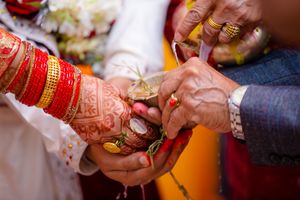
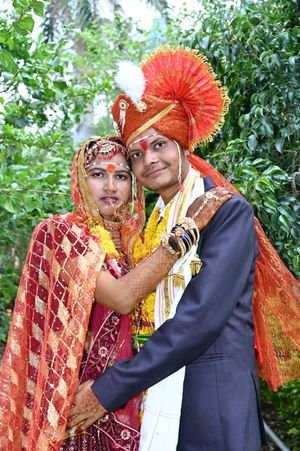

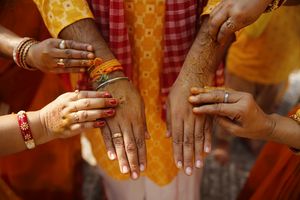
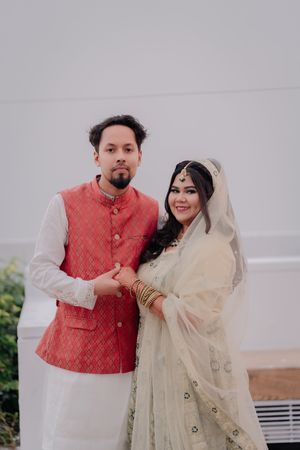
How it works
Three steps to shared memories
Create your event
Add your event name, date and cover photo in under a minute.
Share the QR code
Print it or display it - guests scan and open the album instantly, no app needed.
Collect every memory
Guests upload photos in real time. You get one beautiful shared album.
Built for every occasion
One app, every kind of celebration
Weddings
Every ritual, every candid laugh - captured by the people who were actually there.
Birthdays
From kids' parties to milestone birthdays, let every guest add to the album.
Corporate events
Team offsites, launches, and conferences - one shared gallery, no email chains.
Baby showers & naming ceremonies
Sweet, small moments from family and friends, all in one place.
Family get-togethers
Reunions and festivals, gathered from everyone's phone into one memory.
Any celebration
Farewells, anniversaries, festivals - if there's a guest list, GuestCam fits.
Features
Everything you need, nothing you don't
No app install
Guests just scan and shoot - works in any phone browser.
Private event albums
Every event gets its own isolated, shareable gallery.
Instant QR sharing
Generate a scannable code the moment your event is created.
Mobile-first gallery
Built for the phones in your guests' hands, not a desktop.
Pricing
One price per event, no subscriptions
Pick what fits your event - pay once, no recurring fees.
Free
₹0
per event
Try it out for a small gathering
- ✓1 event
- ✓Up to 30 guests
- ✓Up to 30 photos
- ✓3-day hosted access
- ✓QR code sharing
Standard
₹1,499
per event
Best for most events
- ✓Up to 100 guests
- ✓Up to 200 photos
- ✓3 months hosted access
- ✓HD photo downloads (up to 4000px / ~5MB)
- ✓Per-guest upload limits
Premium
₹4,999
per event
For large-scale events & celebrations
- ✓Up to 500 guests
- ✓Up to 1,000 photos
- ✓Short video clips (up to 30s, 20 per event)
- ✓6 months hosted access
- ✓HD photo downloads (up to 4000px / ~5MB)
- ✓Per-guest upload limits
- ✓Priority support
Why GuestCam
How GuestCam compares
Most hosts default to a WhatsApp group, a shared Google Photos album, or handing out disposable cameras. Here's how GuestCam stacks up for collecting event photos from guests.
| GuestCam | WhatsApp group | Google Photos album | Disposable camera | |
|---|---|---|---|---|
| No app install for guests | ✓ | ✓ | Partial | ✓ |
| Guests need no account or sign-in | ✓ | ✕ | Partial | ✓ |
| One organized album per event | ✓ | ✕ | Partial | ✕ |
| High-quality photos (not squeezed by chat compression) | ✓ | ✕ | ✓ | ✓ |
| Photos visible instantly during the event | ✓ | ✓ | Partial | ✕ |
| Private, PIN-protectable per event | ✓ | ✕ | ✕ | ✓ |
FAQ
Frequently asked questions
What is GuestCam?+
GuestCam is a QR-code based photo-sharing platform for weddings, birthdays, and corporate events in India. Guests scan a QR code, upload photos straight from their phone browser, and everyone shares one private event album - no app install and no account needed for guests.
Do guests need to download an app?+
No. Guests scan the event's QR code, which opens a web page in their phone's browser. They can take a photo with their camera or upload existing photos directly from there.
Is GuestCam free to use?+
Yes, GuestCam has a free plan for small events (up to 30 guests and 30 photos, hosted for 3 days). Paid plans (Standard and Premium) support larger events with more guests, more photos, and longer hosted access.
How long are event photos stored?+
Hosted access depends on your plan: 3 days on the Free plan, 3 months on Standard, and 6 months on Premium, starting from the event date.
Is GuestCam suitable for Indian weddings, birthdays, and corporate events?+
Yes. GuestCam is built specifically for Indian weddings (from haldi to reception), birthday parties, baby showers and naming ceremonies, corporate events, and family get-togethers.
Can I make my event private?+
Yes. Event owners can PIN-protect an event so only guests with the shared PIN can view or upload photos.
What's the difference between GuestCam and a WhatsApp group for collecting event photos?+
WhatsApp compresses every photo heavily, buries them in a scrolling chat mixed with messages, and caps forwards. GuestCam gives every guest a direct upload link (via QR code), keeps high-quality photos in one organized gallery separate from chat, and doesn't require guests to be saved in a group.
Is GuestCam better than a shared Google Photos album for a wedding?+
For guests without a Google account, Google Photos shared albums require sign-in to contribute in most cases and are not scoped per event. GuestCam guests upload with no account at all - just scan the QR code - and every event gets its own isolated, PIN-protectable album instead of one shared library.
How is GuestCam different from a disposable camera at a wedding or party?+
GuestCam works like a digital disposable camera passed around by every guest at once, except photos upload instantly instead of waiting for film development, nothing gets lost, and the owner can see photos arriving in real time during the event.
Do guests need good internet or Wi-Fi at the venue to upload photos?+
Guests need a standard mobile data or Wi-Fi connection to upload - GuestCam runs in the phone's browser with no app to download, so there's no large install to fight over slow venue networks, and photos are compressed client-side before upload to keep it fast.
What happens to the photos after the hosted access period ends?+
Event owners should download their gallery before hosted access expires (3 days on Free, 3 months on Standard, 6 months on Premium). GuestCam is scoped to single-event photo collection, not long-term cloud backup, so plan to export photos you want to keep permanently.
What resolution are the photos, and what does "HD download" mean?+
Every photo is compressed for fast, reliable uploads over venue Wi-Fi - GuestCam doesn't store a guest's completely untouched original file. On the Free plan you get a web-quality version (up to 1920px). Standard and Premium additionally store a higher-quality HD version (up to 4000px, ~5MB) for download, well above typical screen and print needs, though still a compressed file rather than the guest's exact original.